
kronos:overtime_approval_bug
Overtime Approval Bug
There is a bug in the current version of Kronos that will not let you move time from one code to another using the Move dialog. Follow these steps for a workaround until it is patched in the next release:
- Right-click on the time amount you want to move on an employee's timecard and choose "Move".
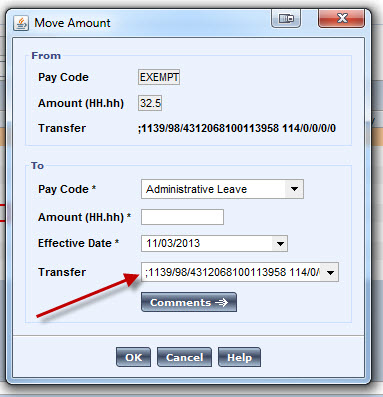
- In the window that pops up, click the box beside Transfer:
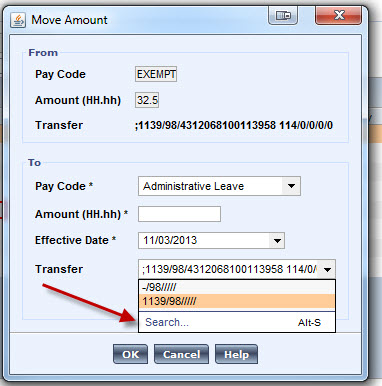
- Choose Search from the drop-down list:
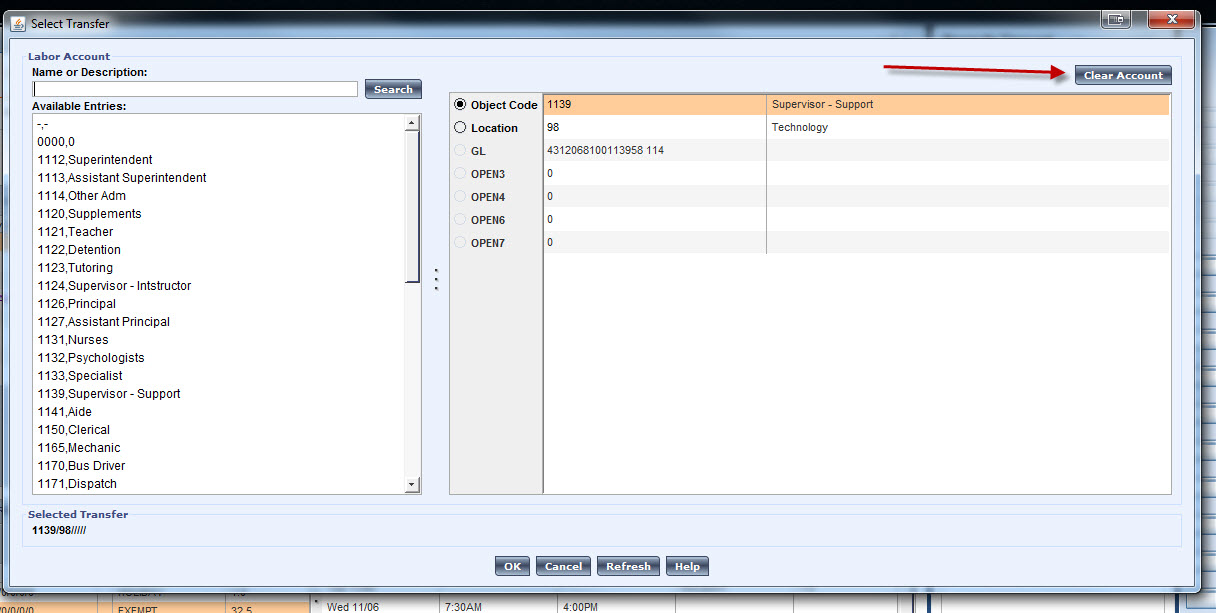
- In the new window that appears, click the Clear Account button and then OK:
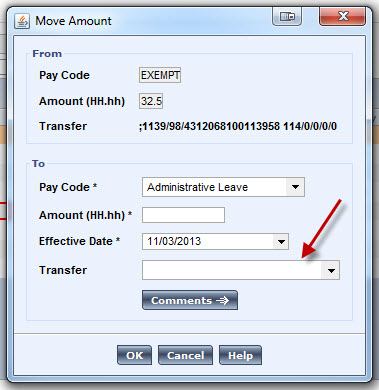
- The Transfer box should now be empty. Set the Pay Code, Amount and Effective Date, choose OK, and you should now be able to save the employee's timecard.
kronos/overtime_approval_bug.txt · Last modified: by jlester